

Introduction
Microsoft has been encouraging customers to modernize the way they handle multi-factor authentication (MFA) and self-service password reset (SSPR) for some time. On September 30, 2025, the older rules for multi-factor authentication and self-service password reset will be phased out, and authentication methods can only be managed from the Microsoft Entra ID Administration Center under Authentication Methods.
Current status
Currently, there are 3 places from which to manage the authentication methods available to users:
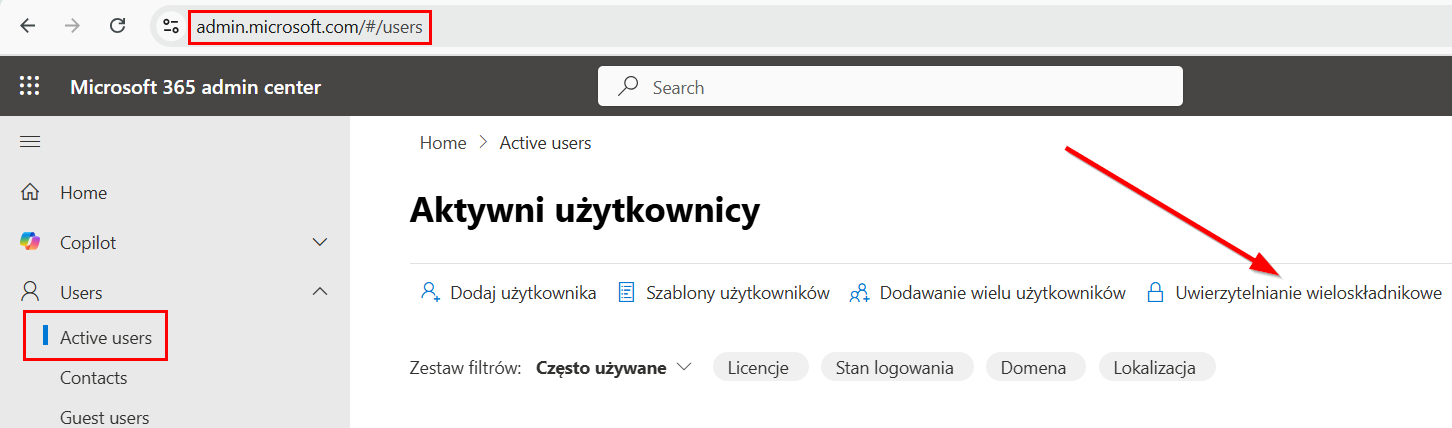
1. per-user MFA portal, also referred to as legacy MFA, accessible, for example, from the Microsoft 365 admin center.

2. tab with available authentication methods during a self-service password reset in the Microsoft Entra administration center.
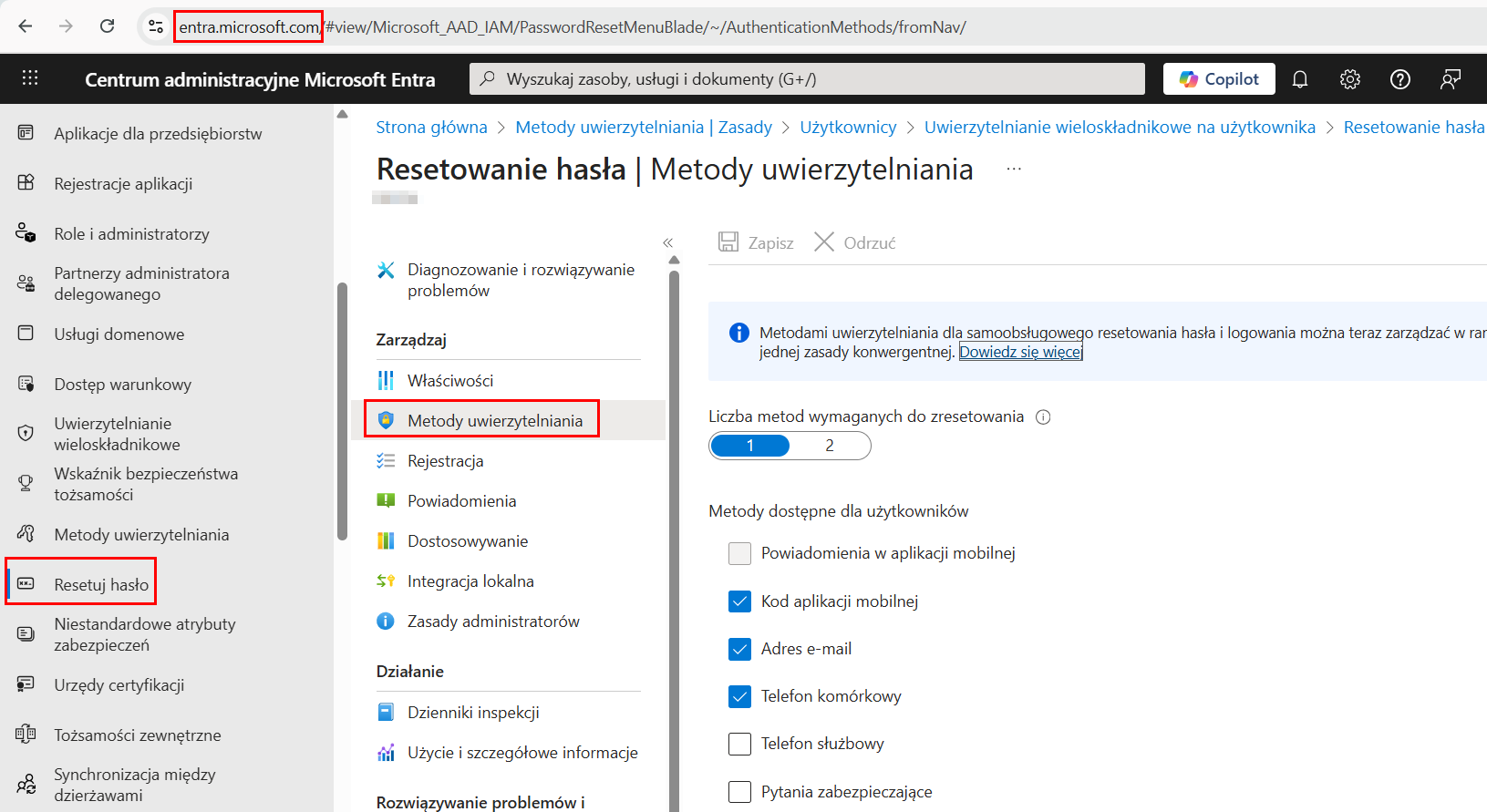
3. target tab with available authentication methods in Microsoft Entra.
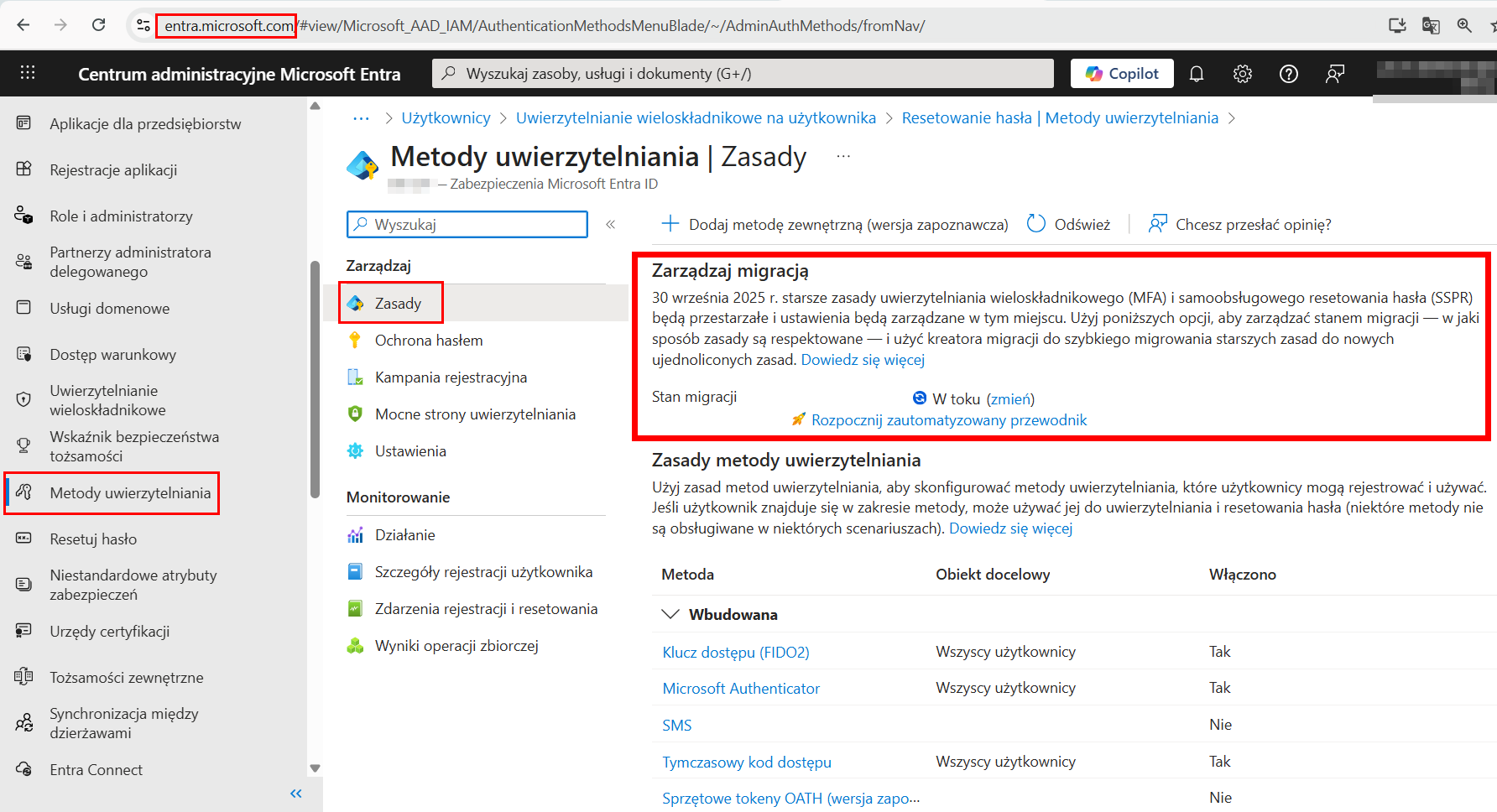
This situation causes inaccuracies and configuration errors. For example, SMS disabled in authentication methods and enabled in the per-user MFA portal results in SMS being available to the user as an authentication method. Among other reasons, Microsoft has decided to change the current situation and ultimately authentication methods (i.e., option No. 3) will be the only method available.
What now?
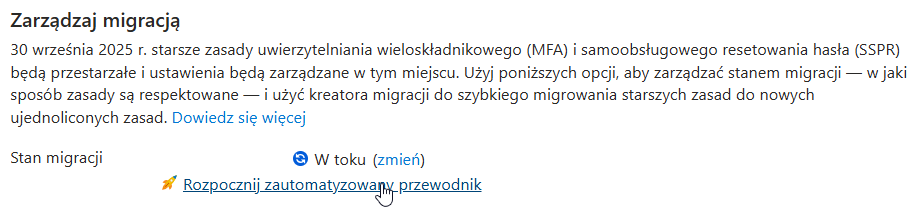
The automated migration wizard provided allows you to migrate your authentication method management site in just a few clicks. Let's get started!
- Start an automated guide
2. overview

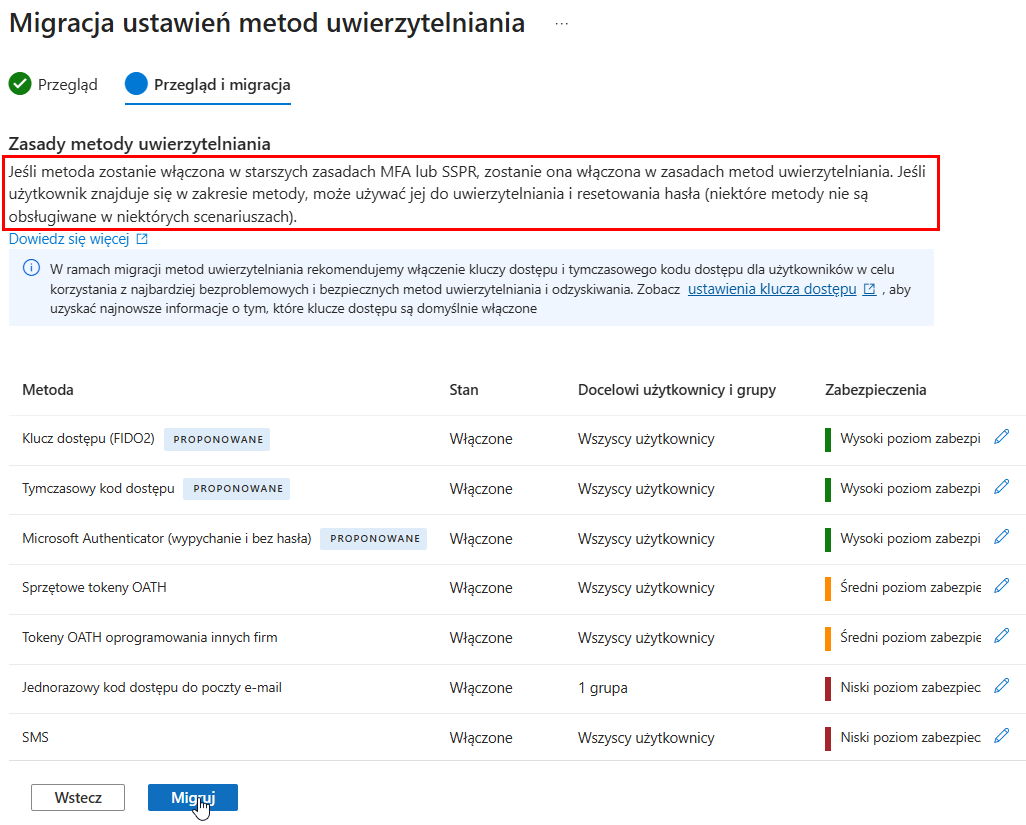
3. review and migration
At this stage, you can disable given authentication methods that were previously used by users. From a security point of view, it is recommended to disable methods marked as low security, in particular voice and SMS connection.
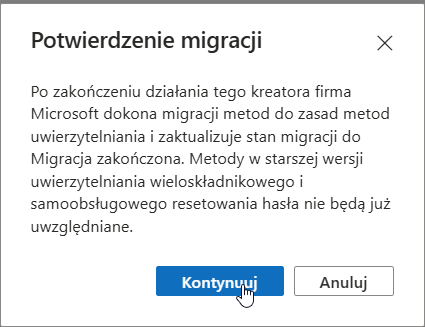
4 Confirmation of migration
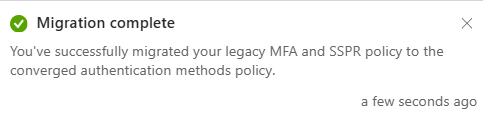
The migration process itself takes a few seconds and ends with a corresponding notification in Microsoft Entra.
Comments
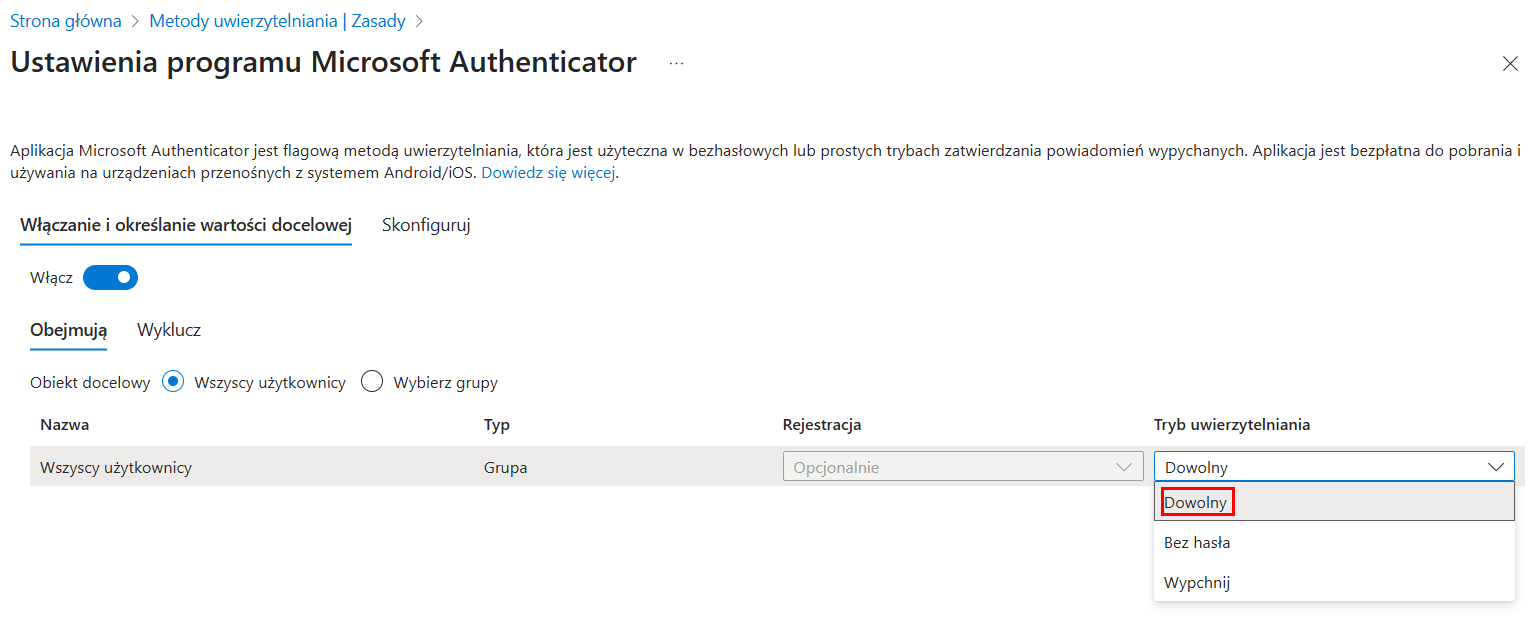
- If users have passwordless problems, verify the Microsoft Authenticator settings and select Any from the Authentication Mode drop-down list.
2. incompatible methods between old and new settings can block users from logging in.
3. security questions previously available in authentication methods during a self-service password reset are not available in target methods.
4. selecting available authentication methods does not force them. Conditional access policies are responsible for the latter.
5. An article from Microsoft provides tables of authentication method names in all 3 available places: https://learn.microsoft.com/en-us/entra/identity/authentication/how-to-authentication-methods-manage
Summary
Migration of authentication methods should be viewed as an opportunity to improve identity and access security in the organization. In particular, the complete exclusion of voice calls and SMS as available methods should be considered. Unifying the management of authentication methods will certainly result in fewer configuration errors.
It is recommended to take action now, during the somewhat quieter holiday season. In turn, failure to take any action by September 30 could result in end-users being unable to access Microsoft 365 applications.